Industry
- Manufacturing
- Architecture & Design
Services
- Design Systems
- UX
- UX and Interface Design
Sloan Connect App
Half the service time, all from a phone.
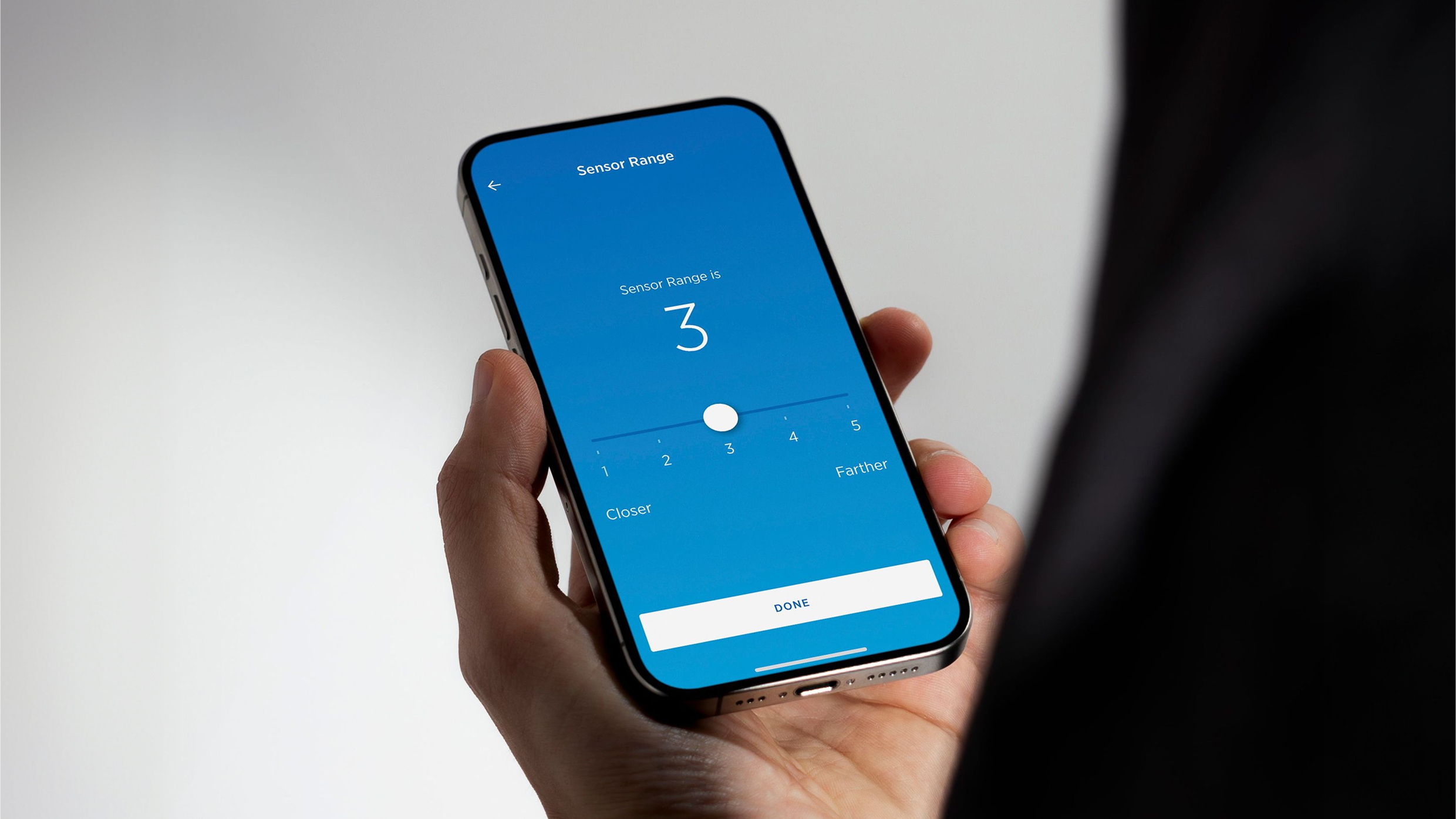
Sloan introduced Bluetooth connectivity to its commercial faucets and flushometers with a clear goal: let facility managers monitor, configure, and maintain their fixtures without ever touching the hardware. The Sloan Connect App was the product that made that possible. The technology was legitimate. The question was whether the interface would earn the trust of the person holding the phone.
The app is the product
A Bluetooth-connected faucet is only as useful as the software that controls it. Facility managers who try the app once and find it unintuitive go back to wrench-and-screwdriver maintenance, and the connected infrastructure goes unused.
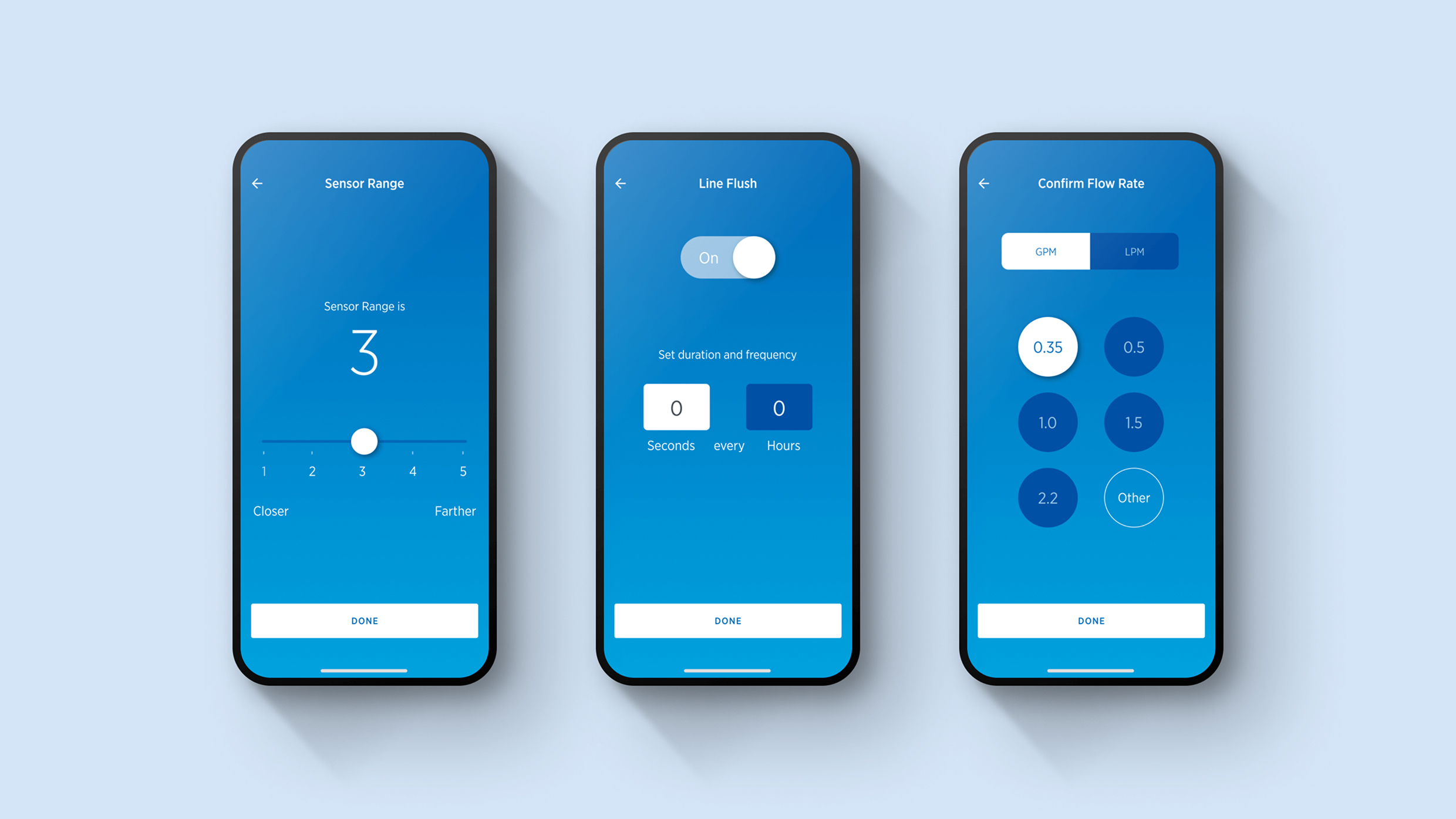
The feature set was technically dense: wireless configuration of individual fixtures or groups, water usage reporting for LEED certification, predictive battery monitoring, diagnostics, configurable line flush schedules. The design job was deciding what to show first, what to surface on demand, and how to let a facility manager move through a 20-floor building’s worth of fixtures without losing their place. WHQ was embedded with Sloan’s engineering team throughout, so nothing was lost in translation from hardware capability to interface. What launched matched the precision of Sloan’s hardware and carried the same visual identity across every screen.
Result
The Sloan Connect App reduced installation and service time by 50%. Facility managers gained real-time visibility into every connected fixture across entire buildings, managed from a single screen. Predictive maintenance replaced scheduled replacement, and diagnostic reports replaced guesswork. For WHQ, the product marked the evolution of a decade-long partnership from campaign and platform work into the product itself.